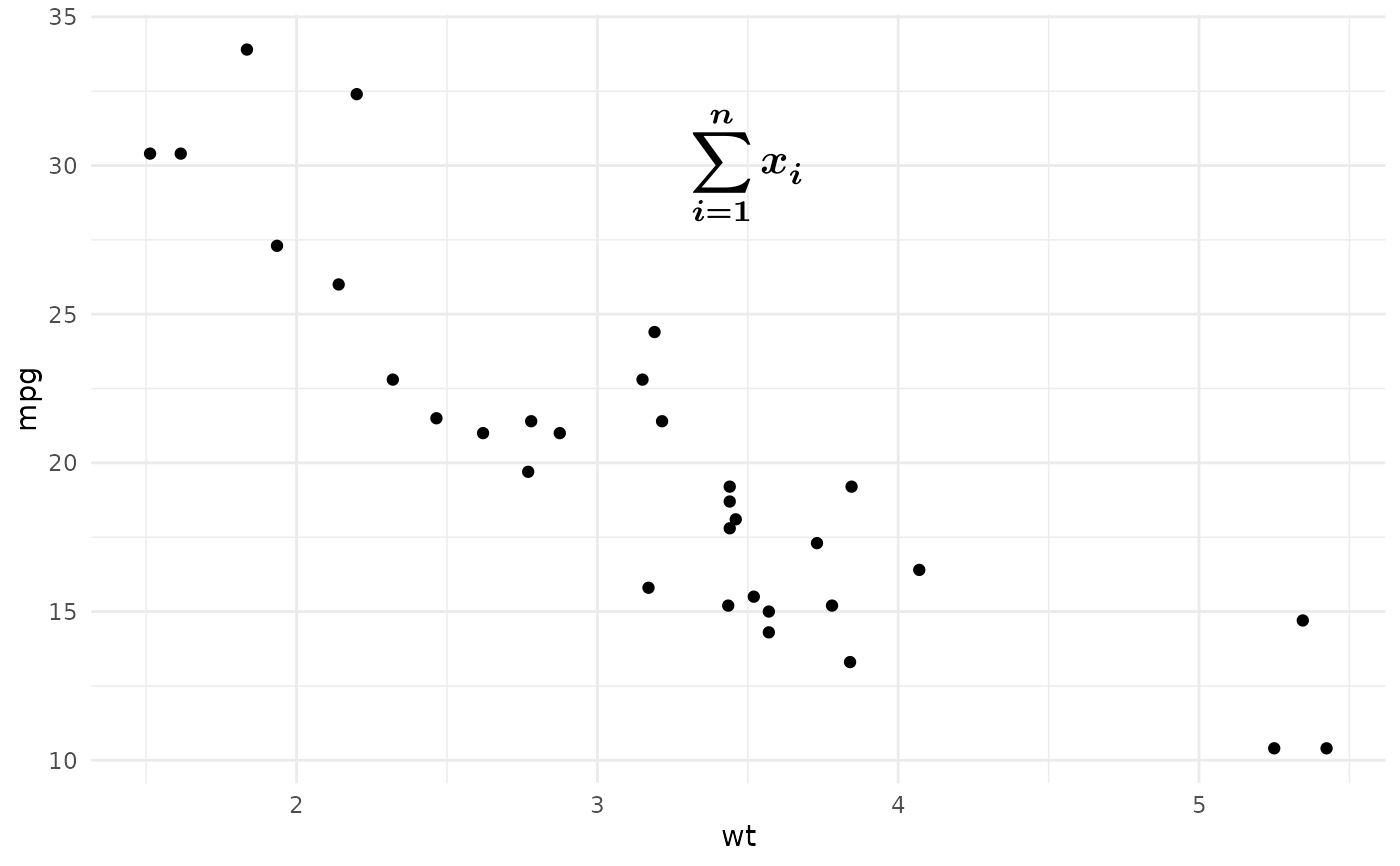
annotate_math_typst() is the math-specialized variant of annotate_typst().
It treats the annotation text as Typst math expression and then renders it to a
math visual representation.
It will normalize the outer $...$ or $ ... $ delimiters automatically.
Usage
annotate_math_typst(
  typst_math_code,
  x,
  y,
  ...,
  hjust = 0.5,
  vjust = 0.5,
  scale = 1,
  size = NULL,
  size.unit = "pt",
  color = NULL,
  colour = NULL,
  alpha = NULL,
  face = NULL,
  fontface = NULL,
  angle = NULL,
  lineheight = NULL,
  math_family = NULL,
  inline = FALSE
)
Arguments
- typst_math_code
A single Typst math string. Outer
$...$or$ ... $delimiters are optional.- x, y
The annotation position in data coordinates.
- ...
Must be empty. This reserves the argument position after the required inputs so all following optional arguments must be named.
- hjust, vjust
Horizontal and vertical justification for the rendered grob (
0= bottom,0.5= center,1= top).- scale
A positive scaling factor applied to the rendered Typst size.
- size
Optional text size.
- size.unit
The unit of
size. Defaults to points ("pt"). Use"mm"for ggplot2-style text sizes.- color, colour
Optional text color. RGB or color name are supported.
- alpha
Optional color alpha multiplier in
[0, 1].- face, fontface
Optional math face. Only
"plain"and"bold"are supported, because math text in Typst is italic by default.- angle
Optional text rotation angle in degrees.
- lineheight
Optional line height value. May be negative.
- math_family
Optional font family for math content. The default math font is
New Computer Modern Math. To render a math expression, you don't need to set this and even don't need to haveNew Computer Modern Mathinstalled on your system. Typst has embedded this font by default.- inline
Whether to render inline math. Default
FALSErenders display-style math.